—
—  | JLJac on January 19, 2016, 01:17:07 PM: |
@David Berman thank you for your post and your gorgeous photos!
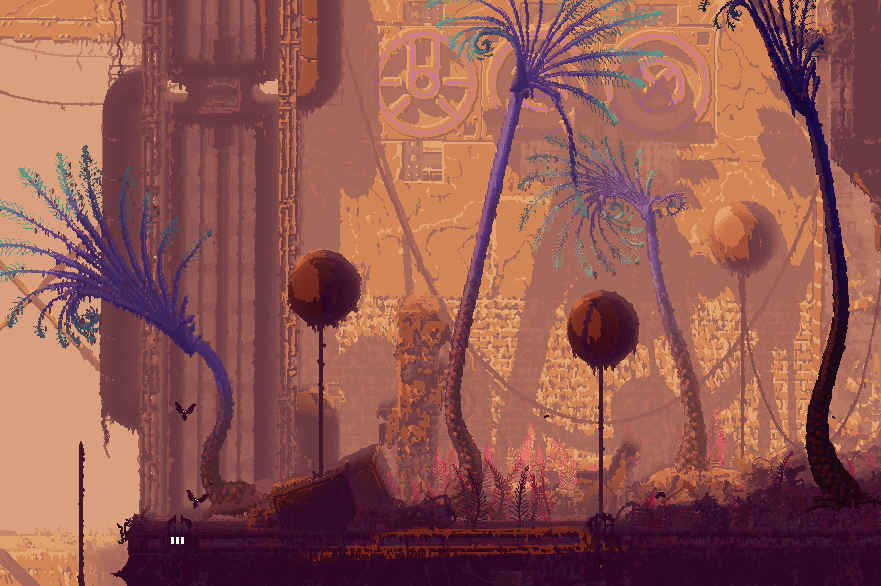
I second everything James wrote above, but I'll try to give my angle. Yep, we have thought about more recognizable architecture, but we gravitated away from it. For a few reasons, the main one definitely being that one James mentioned. If you can recognize too much in the environment ("That there's a fire post", "that there is a roof drain pipe") the environment wouldn't feel alien anymore. As the creature you play is supposed to not really grasp what's going on in the world around it, the player should be in on that impression. We are going for a thing that's more abstract or expressionistic - what's displayed on the screen is supposed to serve an emotional narrative, and that emotional tone has "not quite understanding what's going on" as a very important center piece.
Another is that recognizable objects cement the scale too much. Experiments with assets such as a door frame and similar has had the outcome that the viewer apply human scale to them by default - and then the slugcat and everything else is given a very distinct relative size which is something we're not really comfortable with. How big is a slugcat compared to a human? Waist-height, knee-height, almost as tall? We definitely prefer never to answer that question and not have the player think about it either. Slugcats, vultures and the other creatures exist in Rain World, and its their sizes compared to each other that are relevant.
Working with this style for several years now we may also have developed a few in-world reasons why you don't see much in terms of living-quarters, but I can't even dip my toe in that without major spoilers

As for flying creatures bumping into walls, yes they do! And yes I'd like them to do that less hahaha
 I'll probably try to work with it a bit more before release, but it's difficult to get the creatures to move ... gracefully. The reason is that the animation isn't animated frame-by-frame, instead it's all AI driven, and I can only make those AI behaviors so good. My animation technique could probably hardly be applied to a horse, dog or human for this reason - it's all very clumsy and unnatural. With these fantasy critters though we have the benefit of the doubt, even if I realize that only stretches so far.
 @io3 creations, Thank you, and nope! It's 2D sprites being squeezed and rotated, combined with a few two-dimensional triangle meshes and lots of smoke and mirrors. There aren't really much in the way of sprite sheets, just code. "You want to move your arm here, but the arm is here, apply force in this direction" - that sort of stuff.
Update 516
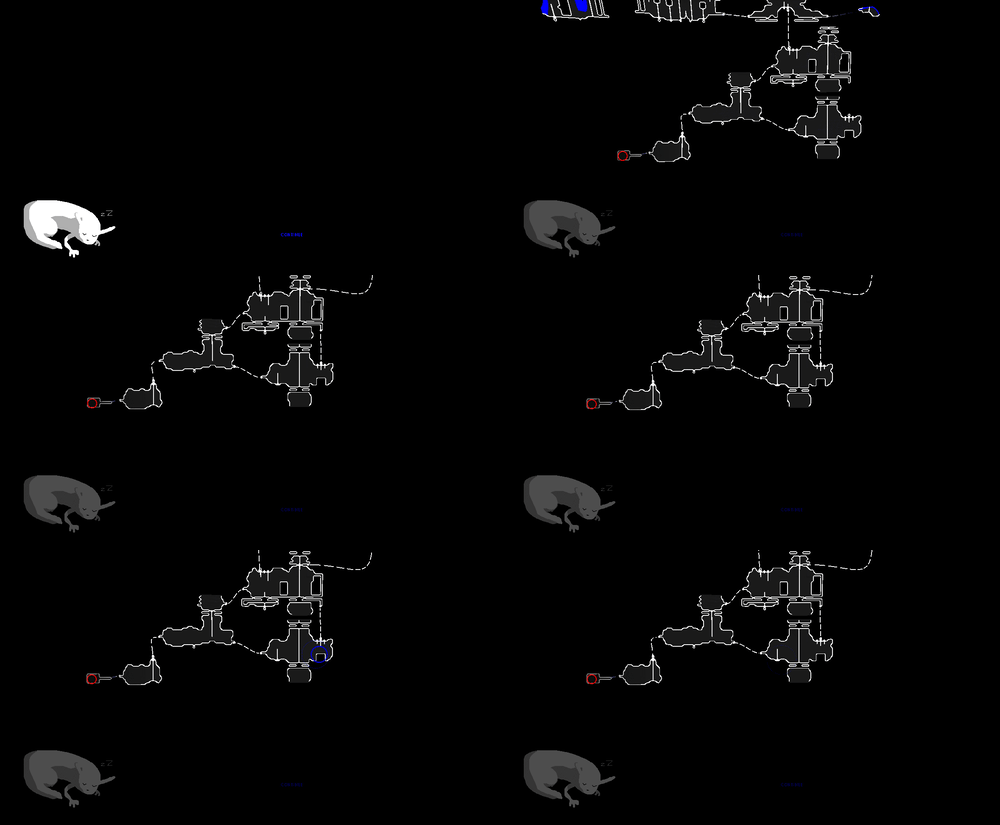
Save states coming along rather nicely! After some consultation with James I split the save file into a "Player Progression" object which keeps track of basically how much you have unlocked on your copy of Rain World on your computer. The "Player Progression" owns one or several "Save States", which are objects keeping track of a specific slugcat and the world its in.
I'm not too keen on having multiple save files that the player has to mess with in a menu as I feel that would break immersion a bit - feels much better that you hit "continue" and get back to where you left off, and whatever happens and is saved has then happened; gives some gravitas to the events in the game and ties together the narrative. A linear narrative for a playthrough is stronger IMO than one that is branched and split and where one thing maybe happened but if you go to this specific save file it didn't happen, etc. If there is a huge demand for multiple save files (people sharing the game with relatives in the same household or similar) I could perhaps be convinced otherwise, and now so could the system! The main idea for it though is that as you rescue pups and get to play as them, those different slugcats will effectually act as "save files" of their own, each having its own story line that you could load and save. But those would be a few parallel narratives, no branching.
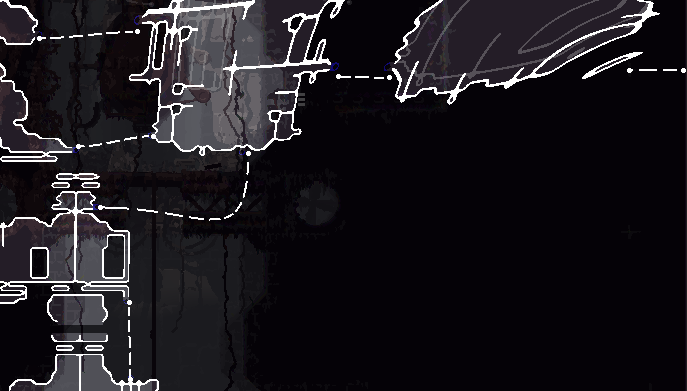
Above these save files is, as mentioned, the "Player Progression" object. Progression object keeps track of stuff that should carry over between save files - for example we've put the map discovery data there for now, because as James put it "the whole point for playing ng+ is to go to the places you didn't get to explore last time around". Also it will keep track of a bunch of different stuff such as unlockables.
All of this seems to be working to satisfaction for now at least! Currently I'm working a bit with creatures saving, but most of that system was actually in place and ready to go. What's needed is mostly making the save states work with the "things sticking to things" engine which I have in place and which is about such as critters grabbing other critters or spears being lodged in critters.
Bat swarm room depletion and its saving and loading is also in since before, and just need a few touch ups and fitting into the new system.
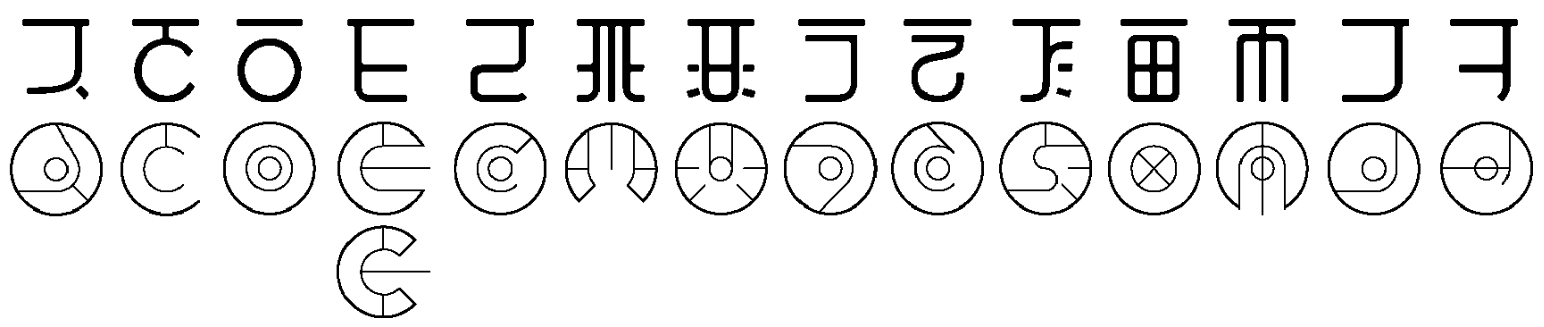
 Rain World has two distinct alphabets though, the other lending its aesthetic from cyrillic letters.


 That would be a pretty simple log calculation, right?