—    —  Home

   JLJac on May 08, 2014, 09:30:36 AM:

Thanks guys! Yeap, those solutions are actually how I solved it! But the reason why I wanted to do it with proper if statements was that I didn't want to check for shadowing objects if I already knew the pixel was in shadow. I didn't want it to run that code unless necessary.

Speaking of which, how expensive is tex2D? I do it quite a lot, heh -


   JLJac on May 08, 2014, 11:09:09 AM:

Super relevant info, guys! What would I even do without you!?


   JLJac on May 08, 2014, 11:31:39 AM:

 Cheesy probably not, no! I'd still be beating my head against Macromedia Director!


   JLJac on May 09, 2014, 03:30:19 AM:

The shader is written in CG, nvidias shader syntax, and has its own set of fun little functions of which lerp is one!

So... you guys are telling me that doing one extra tex2D and a lerp is still cheaper than an if-statement?

Edit: oh wait, actually you're telling me that an if statement doesn't do much good at all because it's still likely to execute both branches, right? Did a little reading in your links...


   JLJac on May 09, 2014, 03:57:29 AM:

Can you multiply with bools? C# generally get mad at me when I try...

Update 135
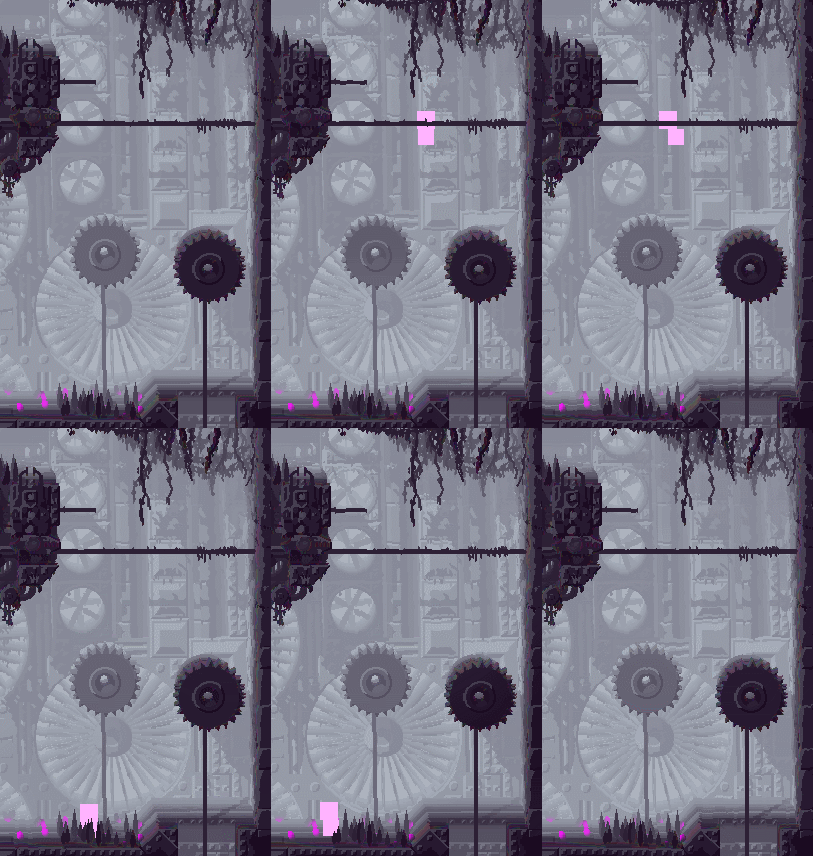
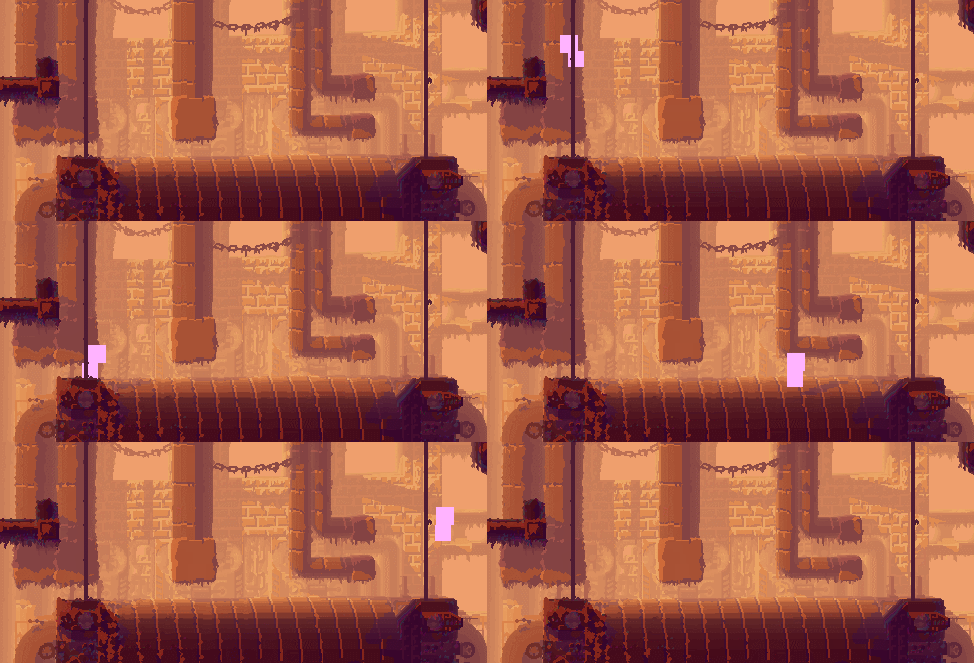
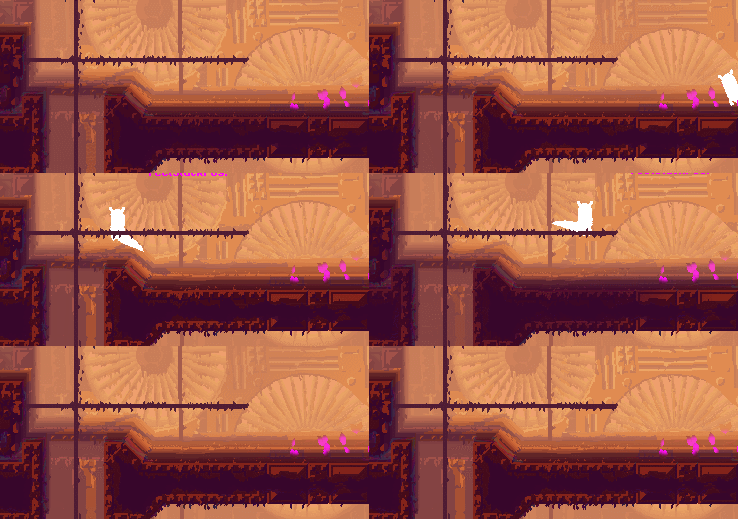
Just wasting endless amounts of time on this custom shader haha! Right now I'm a little shader crazy, so there are probably more effects going on than in the final product. But I'm certainly learning and having fun!

Little taste of my light engine as of today:


Can you imagine how I went through all that trouble to make that weak little color shift happen? Crazy. Still I think it brings a lot of "location feeling" - the shadow helps you understand what you're looking at as a volume, which enhances the illusion of being in a space.

As you can see the shader is now also able to vary the palette, among other things. It can also fade the light up and down, the rainbow effect and effect colors are in, etc etc. I've played with a little distortion to make it look wet, but maybe it's more distracting than cool. I could potentially keep it but dial it down a bit. So many possibilities!

I think that when I'll want more effects, such as a rain effect, a fade between palettes and so on, I won't incorporate them all in one shader. Rather I'll write a shader for each effect, and just switch. That way I won't be able to have all of them at the same time, but they will all be more concise and therefor faster and compatible with older machines.


   jamesprimate on May 09, 2014, 04:41:25 AM:

Can you multiply with bools? C# generally get mad at me when I try...

Update 135
Just wasting endless amounts of time on this custom shader haha! Right now I'm a little shader crazy, so there are probably more effects going on than in the final product. But I'm certainly learning and having fun!

Little taste of my light engine as of today:


Can you imagine how I went through all that trouble to make that weak little color shift happen? Crazy. Still I think it brings a lot of "location feeling" - the shadow helps you understand what you're looking at as a volume, which enhances the illusion of being in a space.

As you can see the shader is now also able to vary the palette, among other things. It can also fade the light up and down, the rainbow effect and effect colors are in, etc etc. I've played with a little distortion to make it look wet, but maybe it's more distracting than cool. I could potentially keep it but dial it down a bit. So many possibilities!

I think that when I'll want more effects, such as a rain effect, a fade between palettes and so on, I won't incorporate them all in one shader. Rather I'll write a shader for each effect, and just switch. That way I won't be able to have all of them at the same time, but they will all be more concise and therefor faster and compatible with older machines.


Tears of Joy

seriously this is amazing progress to see


   JLJac on May 09, 2014, 01:09:23 PM:

can't multiply with bools, C# has very strict type safety, no mixing like that.
just use shorthand or smth, e.g.,

Code:
bool b = true;
int i = 5;
var c = i + 2 * (b ? 1 : 0);
// if b true, c = 7, if b false, c = 5
This is so cool! I'll overuse this like crazy now!


Has anyone else encountered this problem: when building the unity project (not playing it in the editor but creating the standalone) the default textures for my shaders detach. In my case that means everything turns white, as the shader is no longer hooked up to the palette texture. Hardcoded colors work.

I'd set the textures through code, but the only way to access shader properties is through the material, and I just can't find the material(s?) of my Futile object(s?)... You can go Futile.instance.renderer.material, but then it just says "this object has no renderer attached to it". Unity says that 13 materials exist, but applying the setting to all of them doesn't seem to work.


   JLJac on May 11, 2014, 10:11:19 PM:

Thanks! Yeah, in a resources subfolder, but that's working fine with the levels, so I don't see why it should be trouble with the palette.

Hm, is that a syntax you've tried yourself? It says it's invalid syntax at my end...

In either case we've asked Matt Rix himself on reddit, and he's on it! He seems super helpful and approachable Smiley


   JLJac on May 12, 2014, 10:52:24 AM:

...pixel-art games with modern graphical tricks thrown in...
Yeah, that's exactly what I'm going for - something that looks like pixel art, but has more to it... Wish me luck!

The graphics of this game are impressive. I'm very interested in both game art and traditional animation, while I do of course also enjoy well executed 3D graphics.

What I find, though, is that an illusion that has much work put into it, whether it is the usage of parallax layers versus 3D rendering, photo-referenced colors or a hand-picked pallette, it's that the illusions that people put time, effort and love into, are the one that live and breathe the most to me.

Say, comparing Porco Rosso to Pacific Rim (I am so sorry), despite pacific rim using a system to set up the visual illusion that is far more like our real world, with an actual 3D space where things are taking place, the movie that helps my suspension of disbelief that most is still the hand-animated one, where 3D space is completely abstracted, calculated either by numbers or intuition by someone drawing on a flat paper.

What I'm getting at here is that this 'lovingly crafted illusion' thing that really gets me going, is something that the visuals of Rain World also brings me. I think this game is absolutely precious. Even if I never play it, just looking at gifs from it has already given me something on a 'spiritual level' that I can bring with me into life and into my art.

Wow, this is such a nice thing to say  Shocked I really hope I can live up to it. If I can't, I hope you'll be able to hold on to that first impression of yours!

Update 136
Started porting the player's animation, which has a few quirks to it. There's a lot of manual work such as logging where the rotational pivot point is for each sprite etc. But I also have some bigger questions to think about.

One solution I've been contemplating is to have a "cosmetic module" for each creature, which holds things that don't really affect gameplay such as tails and paws. Then I could just drop that module when the creature is off-screen, and save some CPU on off-screen creatures. Also it might be a nice structure to have in an object, all the stuff that actually matters in one place and all the fluff in another.

Problem is that then I'd need to have a players' cosmetic module, a lizards' cosmetic module, etc, and then I'd have an entire separate but perfectly parallel inheritance tree for those, which feels like a weird an un-pure solution.

Also, this feels like it could be a massive case of premature optimation, heh. Maybe I should do it the proper way, and implement what's easiest, run the profiler, and then optimize where it actually matters.  Huh?


   JLJac on May 13, 2014, 12:15:29 PM (Last Edit: May 13, 2014, 12:56:53 PM):

Update 137
Ughhhh a bad day. There will be a few of those too. The good news is that I have the framework for a separate graphics module up, and that I've started implementing a tail. The bad news is that I've spend the whole long day trying to keep the nodes of the tail out of the level geometry, and still haven't gotten it to work.

For the cosmetic body parts, I don't want the physics to be too good - if I do it like I do the physics for actual objects, they won't ever be able to pass through geometry and you might end up with part of your tail on the other side of a wall. Instead I want them to just be pushed out of geometry in a somewhat reasonable direction, without jumping around like crazy and without entering geometry unnecessarily. That's harder than it sounds. If the geometry was all circles it would be super easy - I have a go-to solution which is just pushing the nodes apart according to their radii. But the level geometry is compromised of squares, and I can't translate the algorithm in any reasonable way.

The only comfort to be found in this is that when I solve it, I'll be able to use that solution for all body part - slugcat hands, lizard tails, fly wings, etc. Stay tuned!

Edit: Wooho I solved it! Never underestimate the power of going online and whining to strangers, it obviously helped this time. Tomorrow: less hopeless news!


   JLJac on May 15, 2014, 08:33:03 AM:

Hi! Thanks  Grin

Btw, how much control do you have over custom shaders in Futile? Can you customize how it does the setup of vertex buffers and other parameters sent to the GPU?
I don't know yet, as I haven't encountered those problems so far. What I have had some problems with is that Unity's way of reaching a shader (for setting parameters) is through the material which the shader is connected to, and I haven't been able to reach the material used by Futile's sprites. Instead I've had to use global shader params, but I'll have to actually solve that sooner or later.

Update 138
Slugcat animation is coming along! I was stalled a bit because I didn't know how to approach the tail now that I don't have beizer curves. Like always when I'm stuck it was James who helped me get moving again. We checked out the vector graphic options in Unity's app store, and after a bit of research it was clear that they all just used countless triangles to draw the vector lines.

So, then we decided that if that was the case, I could as well move around triangles myself. So today I made a triangle mesh object, where you can define a number of triangles, and some vertices. The triangles are just references to three different vertices, meaning that sharing vertices between triangles is super easy. If I want to make a four-sided polygon for example, a quad, I can just go:
Quote
TriangleMesh.Triangle[] tris = new TriangleMesh.Triangle[2] {
        new TriangleMesh.Triangle (0, 1, 2),
        new TriangleMesh.Triangle (1, 2, 3)
};

TriangleMesh mesh = new TriangleMesh ("Futile_White", tris);

And then when I move around vertices 1 and 2, which are shared by both triangles, both triangles will change accordingly.

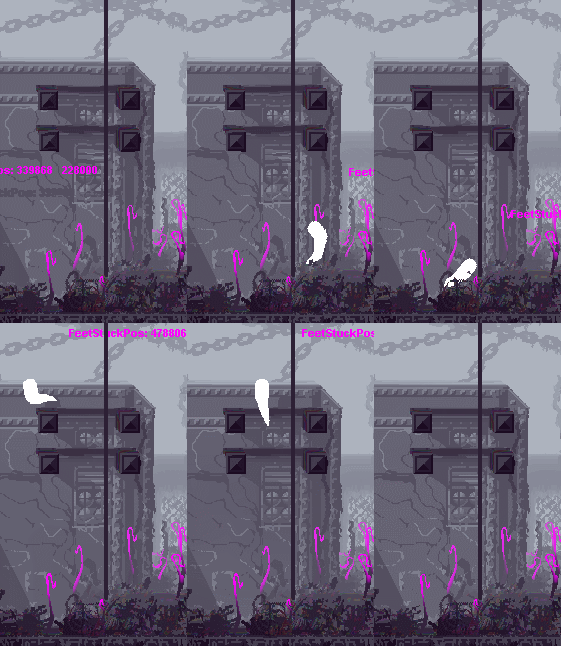
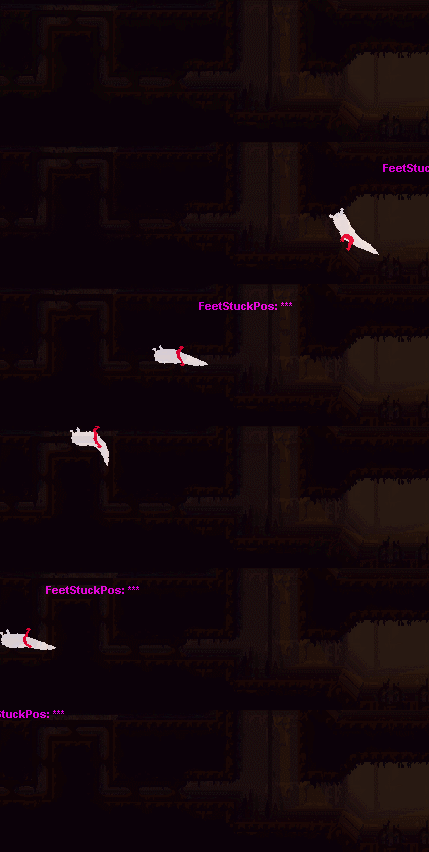
The test run of this structure is the slugcat tail, for which I programmed the physics the other day as you might remember. Behold - 4 little balls of physics and 13 triangles drawing a shape on top of them:


Looks pretty smooth right? Smiley

Next up, probably a head or something.


   JLJac on May 15, 2014, 10:36:02 AM:

Thaaanks!  Grin

Actually the physics are all home brewn, and they're pretty non-optimal in a lot of ways. It's just round little balls, and it relies on their spacing being smaller than a tile for them not to end up on the opposite side of walls. But, it's just cosmetics, so whatever works. The physics for actual objects is a bit more reliable.

James pointed out that the new tail was a lot limper than the old one, which looked a bit stiffer and had more body to it. So I made a few adjustments - basically a stiffness that declines over the segments. The base is the stiffest, and the very tip is still slimy.


Small detail, but it's that kind of stuff I love to do haha! This looks more like it, James? The stiffness and the stiffness decline are just hard coded variables, so they can be adjusted whatever way.


   jamesprimate on May 15, 2014, 11:04:30 AM:


Small detail, but it's that kind of stuff I love to do haha! This looks more like it, James? The stiffness and the stiffness decline are just hard coded variables, so they can be adjusted whatever way.

YES! seems to have a little more internal structure, which gives it a sort of realness. you know, for a slugcat. still flows so well compared to the old one. looks almost joyous when springing about! great stuffffff i cant wait to see the full new model, its going to be so nice


   JLJac on May 16, 2014, 11:11:52 AM:

Yeah, now when the tail is all code that could definitely be done!

Update 139


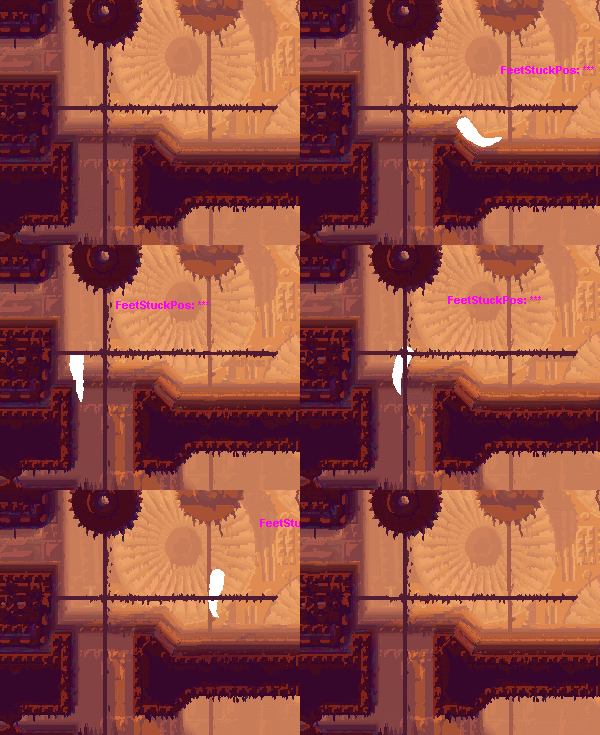
Piece by piece! Now we have a head, and the legs are about halfway implemented. Normal running is in as you can see, but the special cases for jumping, wall climbing, crawling etc need to be done.


   JLJac on May 16, 2014, 11:56:04 PM:

Hehe yeah, it's just the rendering order - now it's drawn before the terrain which means it shows up in the grab texture. I'll just move it so it's drawn afterwards, and it'll appear on top of the scene rather than in it.


   JLJac on May 20, 2014, 12:07:45 PM:

Update 140

Hahaha, one thing that I never would have thought would be a time sink was having the legs aim in on climbable diagonals when in the corridor mode, but when I opened the old code for that stuff I was greeted by some pretty high tech stuff! And because of inverted y-axis and other stuff, I had to re-create all that, which took pretty much a day :S In better news, the legs have some other animations more refined now, such as running up and down slopes, jumping, and the like.


Just a little bit more leg work to go now, then it's arms, then the face, and then we're more or less back at square 1 with the slugcat in Unity! Smiley


   jamesprimate on May 20, 2014, 03:27:47 PM:

Update 140

Hahaha, one thing that I never would have thought would be a time sink was having the legs aim in on climbable diagonals when in the corridor mode, but when I opened the old code for that stuff I was greeted by some pretty high tech stuff! And because of inverted y-axis and other stuff, I had to re-create all that, which took pretty much a day :S In better news, the legs have some other animations more refined now, such as running up and down slopes, jumping, and the like.


Just a little bit more leg work to go now, then it's arms, then the face, and then we're more or less back at square 1 with the slugcat in Unity! Smiley

hey, its good you took the time. cuz you know friends dont let friends skip leg day


   JLJac on May 21, 2014, 12:09:32 PM:

Hehe!   Cheesy

Update 141
I thought today was going to be arm day, but instead I ended up doing a million little leg and body touch ups that I didn't really remember were in there to begin with, but are much needed to make things look cool. Now we have legs displaying different sprites if you're climbing, crawling, wall sliding etc, and also different body positions for a bunch of stuff, such as climbing a pole, sliding on a wall and more. There is a lot of hooking up the upper body's x-position to a 3 pixel wide sinus curve over movement and such, which maybe isn't very exciting. But the animation is what many people like about this game, and that consists entirely of those little quirks, so I feel happy about going over them again. Even more so now that I have a template to look at, and don't have to spend 30 minutes deciding if that sinus wave should have an amplitude of 2, 3.5 or 4.

This is what the animation system of rain world essentially is - it's actually not as procedural as you might think, because it's not just a magic formula that makes everything look cool. Instead it's heaps and heaps of special cases, hand crafted "animations" that are made more or less frame by frame, but not by drawing sprite sheets but by deciding what force should affect what body part at what time. The cool thing about it certainly isn't that it saves a lot of time, but that combinations of animations and smooth transitions between them can exist. If one body part is for example animated to do something, those motions might be defined in relation to the overall alignment of the body, which will make it look a little bit different each time depending on what else is going on.


   jamesprimate on May 22, 2014, 08:16:59 AM:

Fanart incoming!


Still not done yet, but it's getting there.

awwwww, looks nice!  Toast Left


   JLJac on May 23, 2014, 06:08:07 AM:

Woooooow, that's so awesome! I love the font! And the colors!  Grin Grin Grin That fly is staring into my soul!

I've been a little bit out of it for a few days, might be a little virus or some other weirdness. So, I've started at the arms, but things have been moving slow and I don't really have anything to show you guys yet Sad Keep tuned though, once I pick up some pace again it's gonna move fast!