 —
—  | JLJac on May 02, 2014, 05:56:06 AM (Last Edit: May 02, 2014, 06:01:26 AM): |
Hm, ok, so here's what I'm trying to do:
A standard room is about 1040*800 pixels big. I want to be able to have a level that't at least three times that size as well, or variable room size isn't really worth it.
If I'm having variable room size, I need to have a movable camera, obviously. If I'm having a movable camera, I want parallax scrolling.
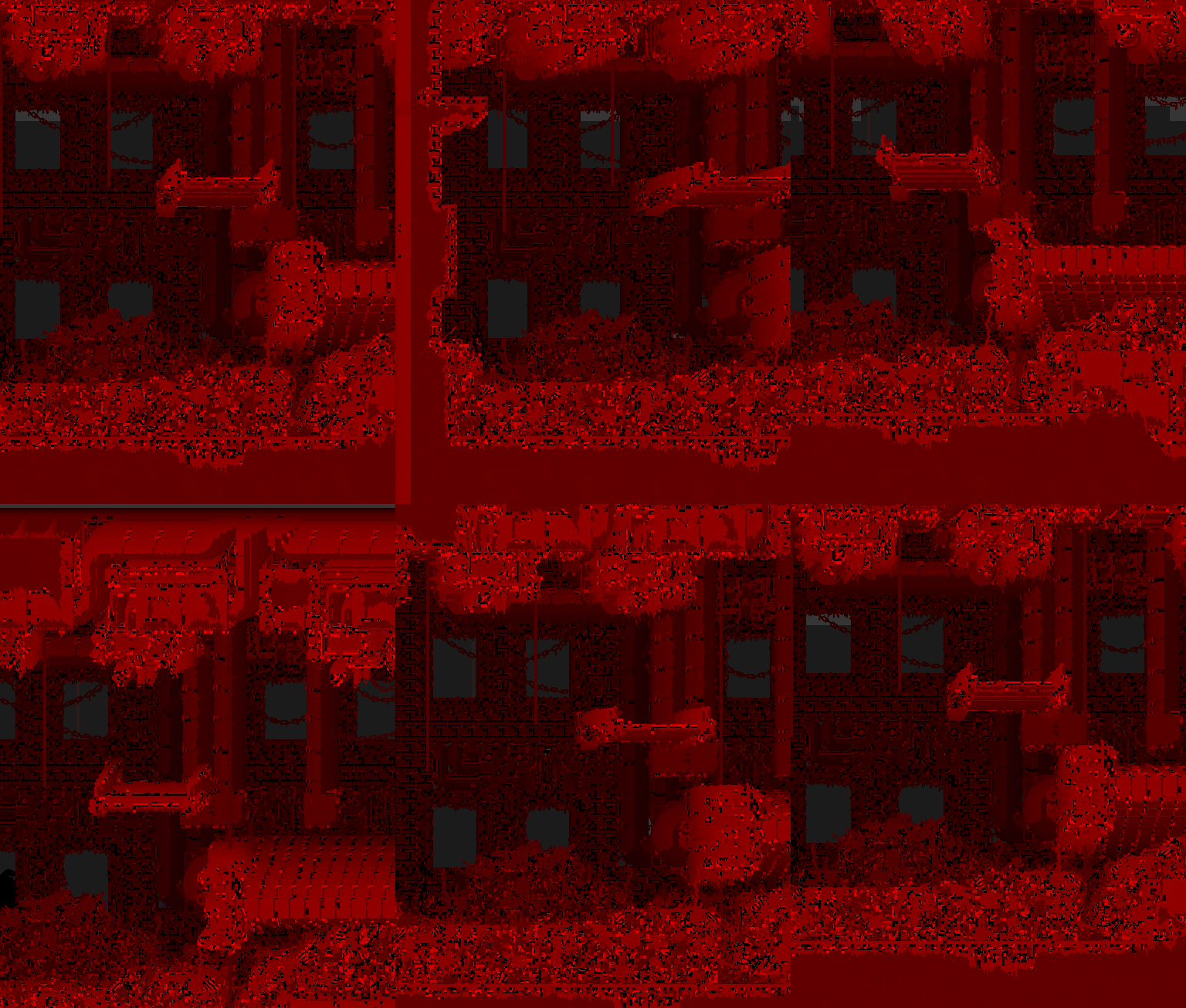
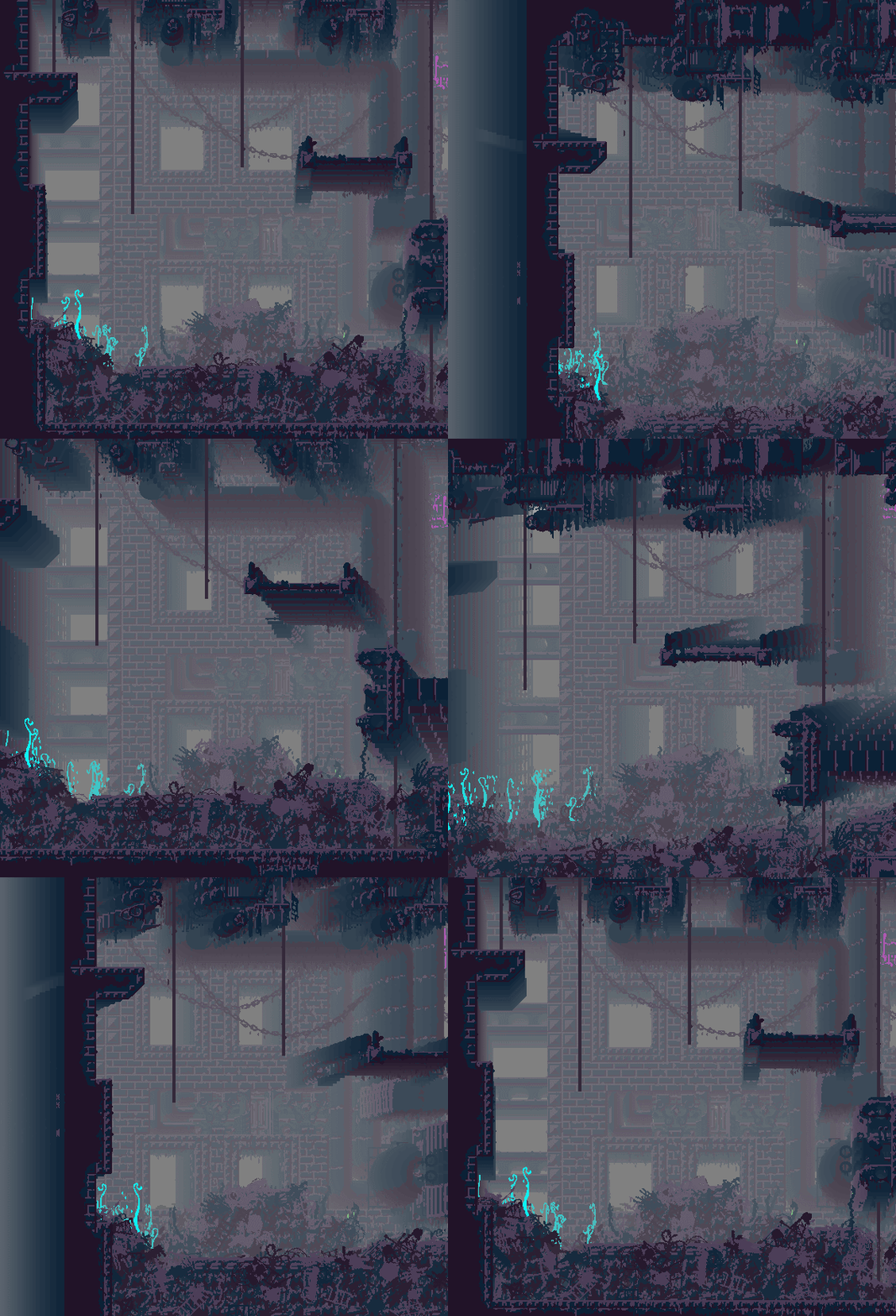
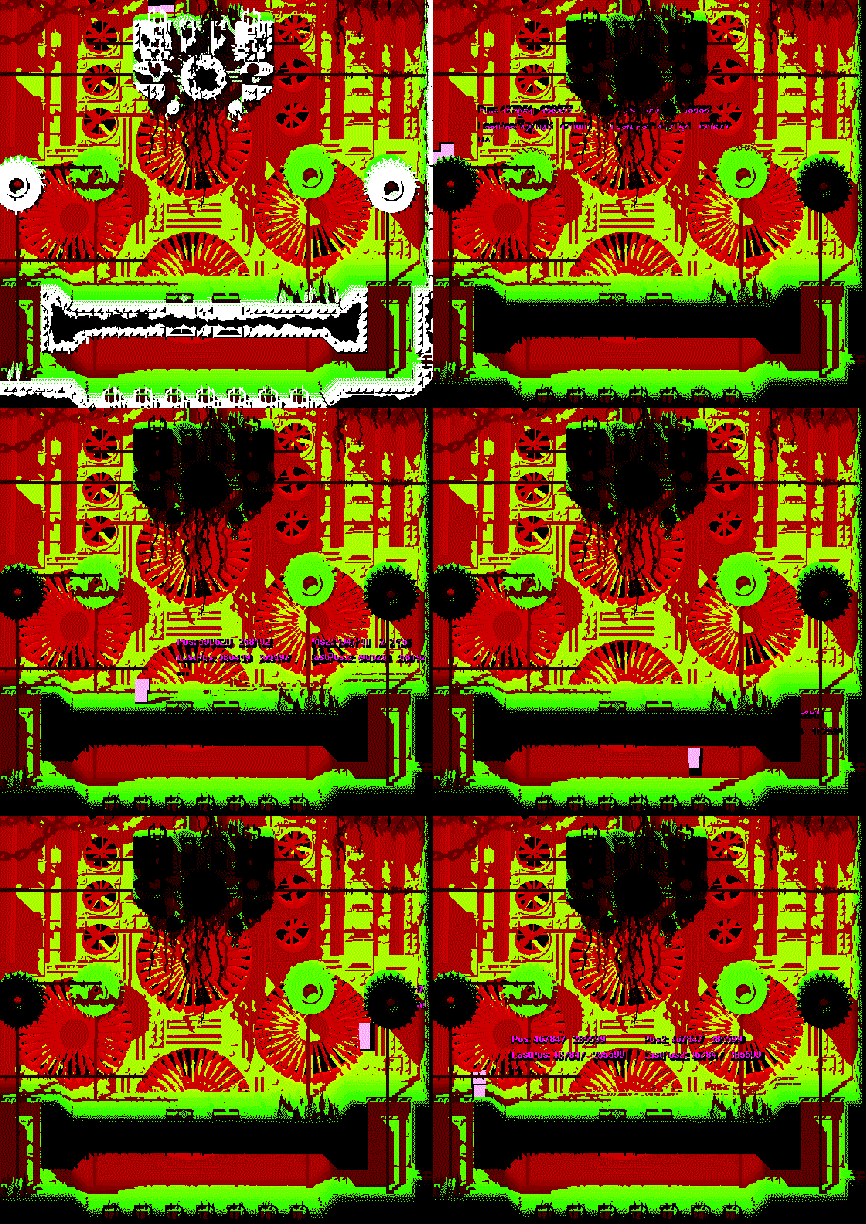
Each room consists of 30 bitmap layers (with very few colors) that has previously, in the static camera build, been baked together as one image at level generation. My dream was to in this new version have all those 30 layers move about as parallax scrolling layers when the camera moved. It didn't seem so impossible - if crysis can be crysis I can have 30 pretty big 2D sprites move around, right?
Because I wanted the dynamic shadows as well, I wanted all layers to be in one texture. That way I'd be able to check in say layer 28 if it's being shaded by say layer 27 by simply asking different coordinates in the same texture for whether or not they're transparent.
So I went ahead and stacked all the layers on top of each other in a texture, and 800*30 = 24 000, so that's considerably bigger than the limit.
And now I think I have to figure out some other way to do this haha
 Maybe I'll have to drop the parallax scrolling after all, and go with some pre-baked solution - can can still save a depth map for the room graphic and use that to do the dynamic shadows, so all is not lost!
Edit: Oh, and yeah, I can save each layer as its own texture, but that would make each room a 32 file, 2 megabyte monster, so I'd prefer not to. My talk about a custom file format is because most pixels actually don't change from layer to layer, so if I wrote my own compression algorithm that worked on the z-coordinate I could probably get the filesize down some, but I'd still need to unpack it for unity, so it wouldn't really solve anything.




 No other changes!